Commute with Confidence
The only transit alarm intelligent enough to wake you up when your signal disappears.
The only transit alarm intelligent enough to wake you up when your signal disappears.
ArriveAwake intelligently scales its GPS usage. When you're far away, the app sleeps to save power, waking up more frequently only as you approach your stop. High-precision tracking only happens when it matters.
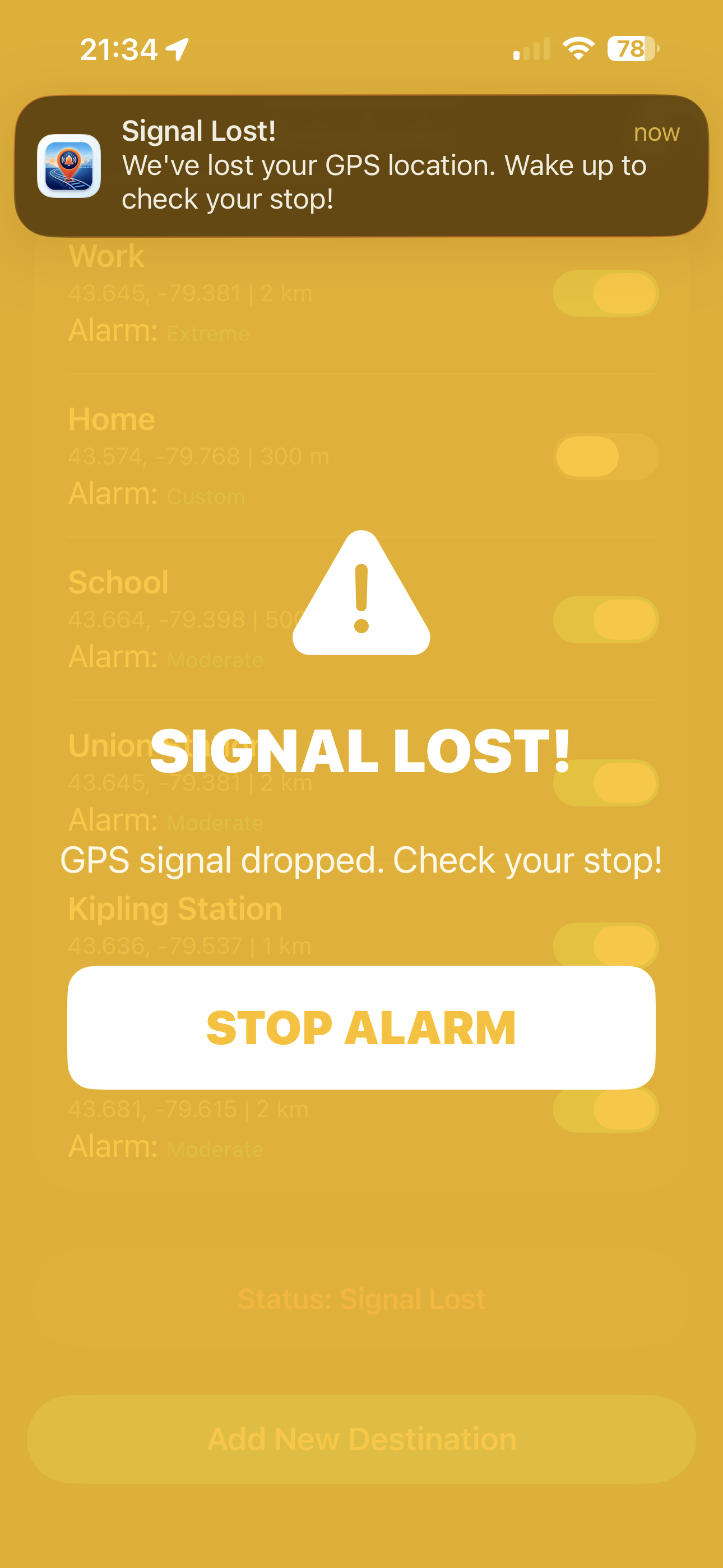
Most GPS alarms fail in tunnels or subways. ArriveAwake detects signature signal loss patterns and triggers a safety alarm if you haven't moved, ensuring you never sleep through your stop in the deep.
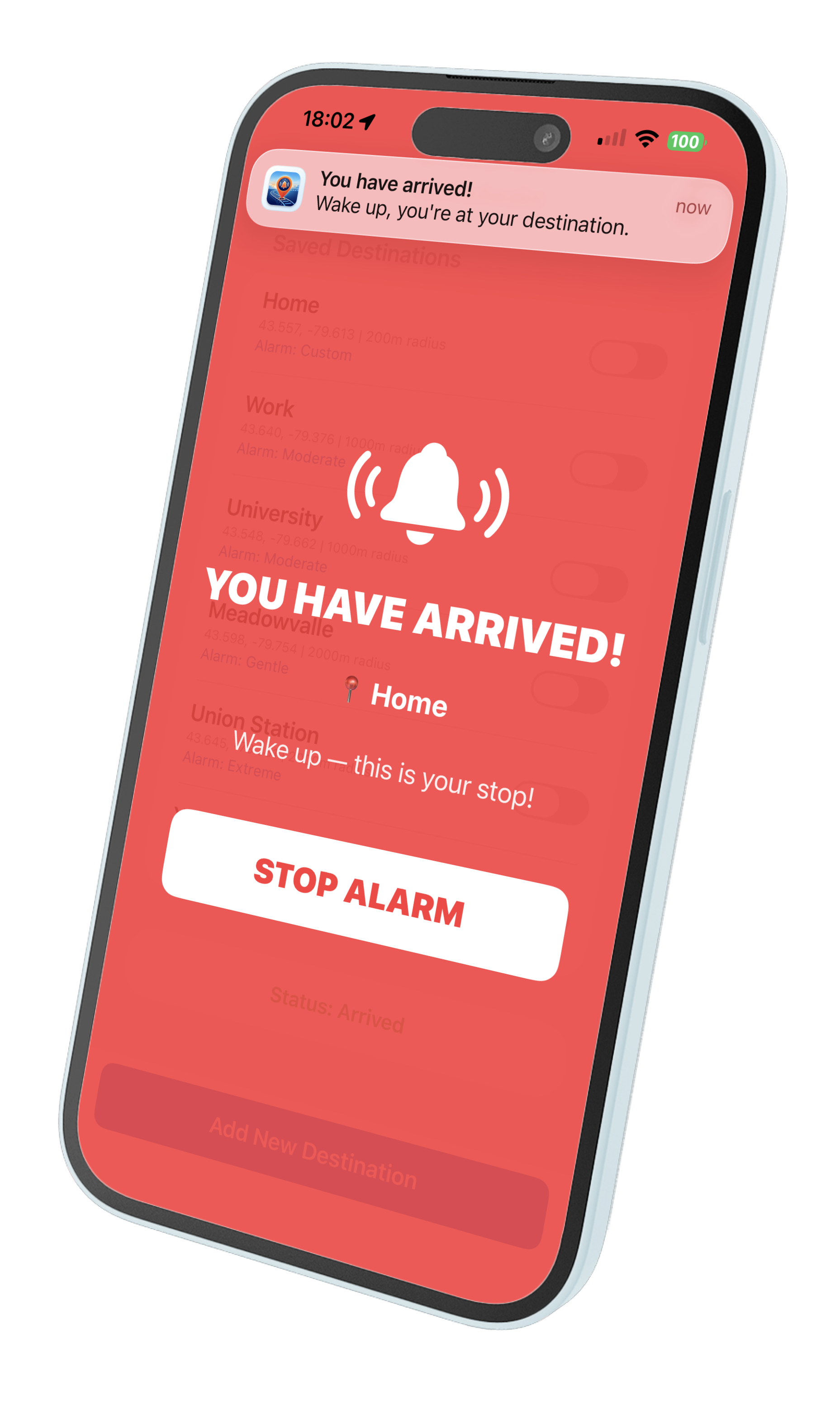
Never miss an alert because you forgot to toggle your physical switch. ArriveAwake pipes audio through your system's media channel to bypass the silent switch for critical alerts.
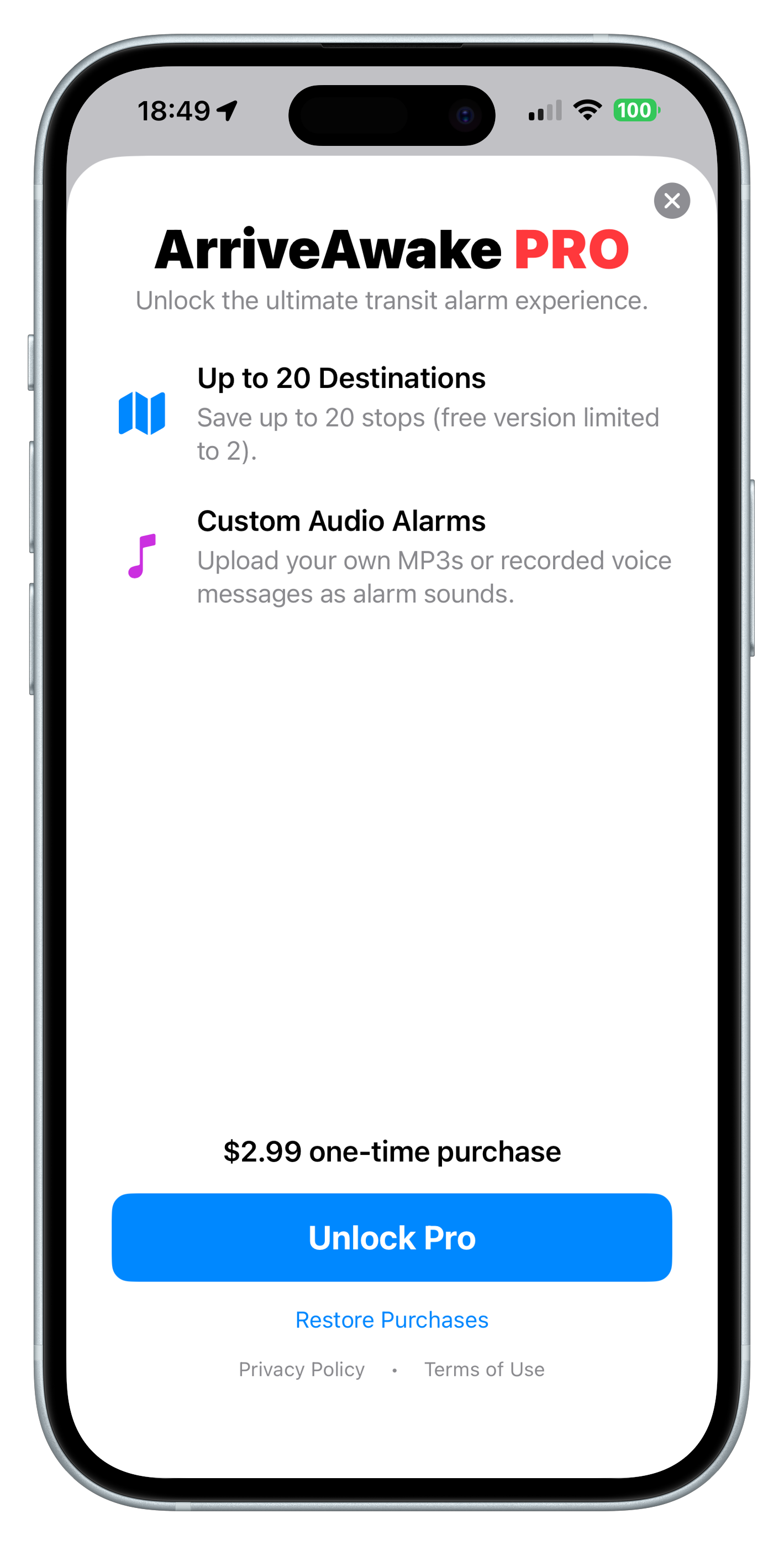
Standard commute? Use a gentle chime. Heavy sleeper? Set a location-specific "Extreme" profile. Pro users can even import their own audio files to wake up to their favorite song or a custom voice recording.
For ArriveAwake to monitor your location while your phone is in your pocket, please ensure these settings are enabled:
Go to Settings > ArriveAwake > Location. Choose "Always". This allows the app to wake you up even when it's in the background.
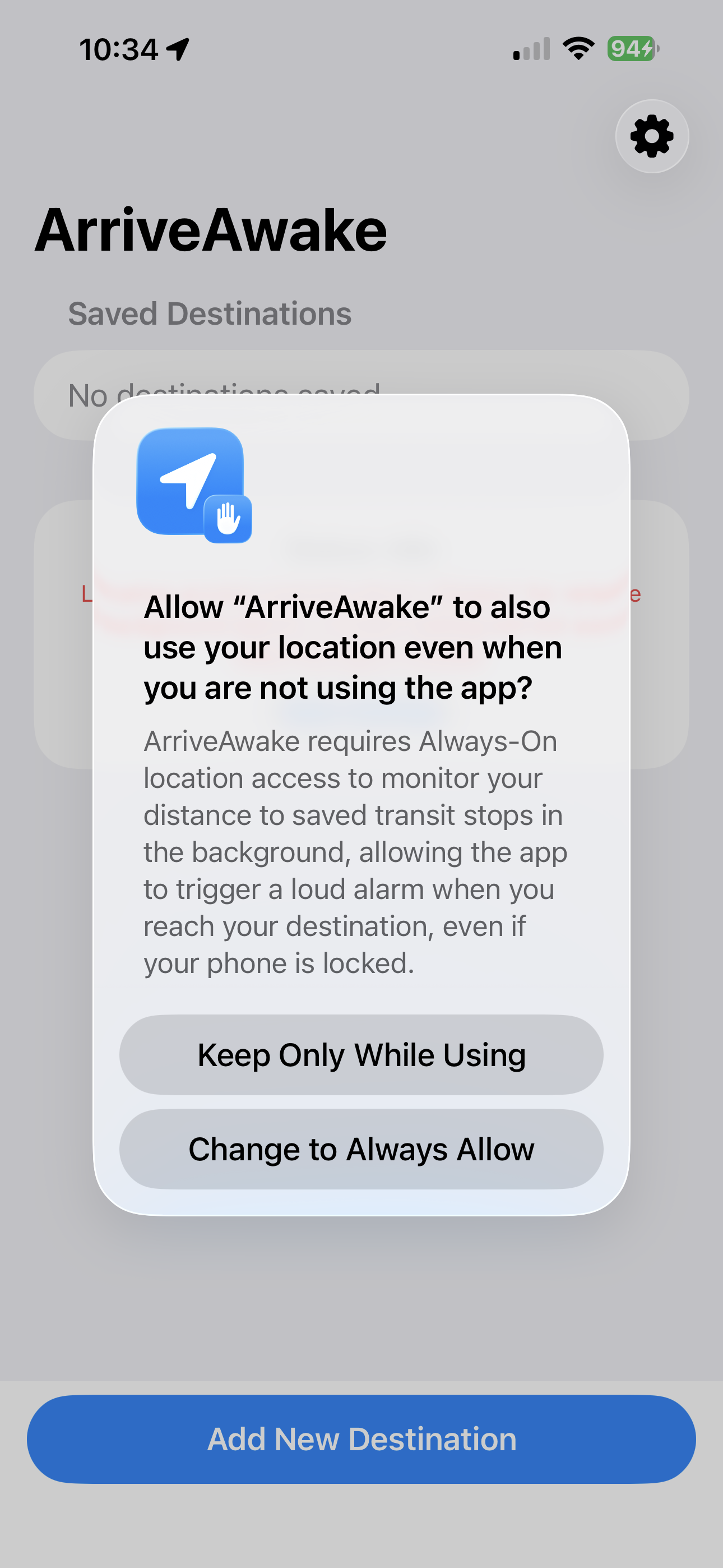
In the same Location menu, verify "Precise Location" is enabled. This is critical for detecting stops that are close together.
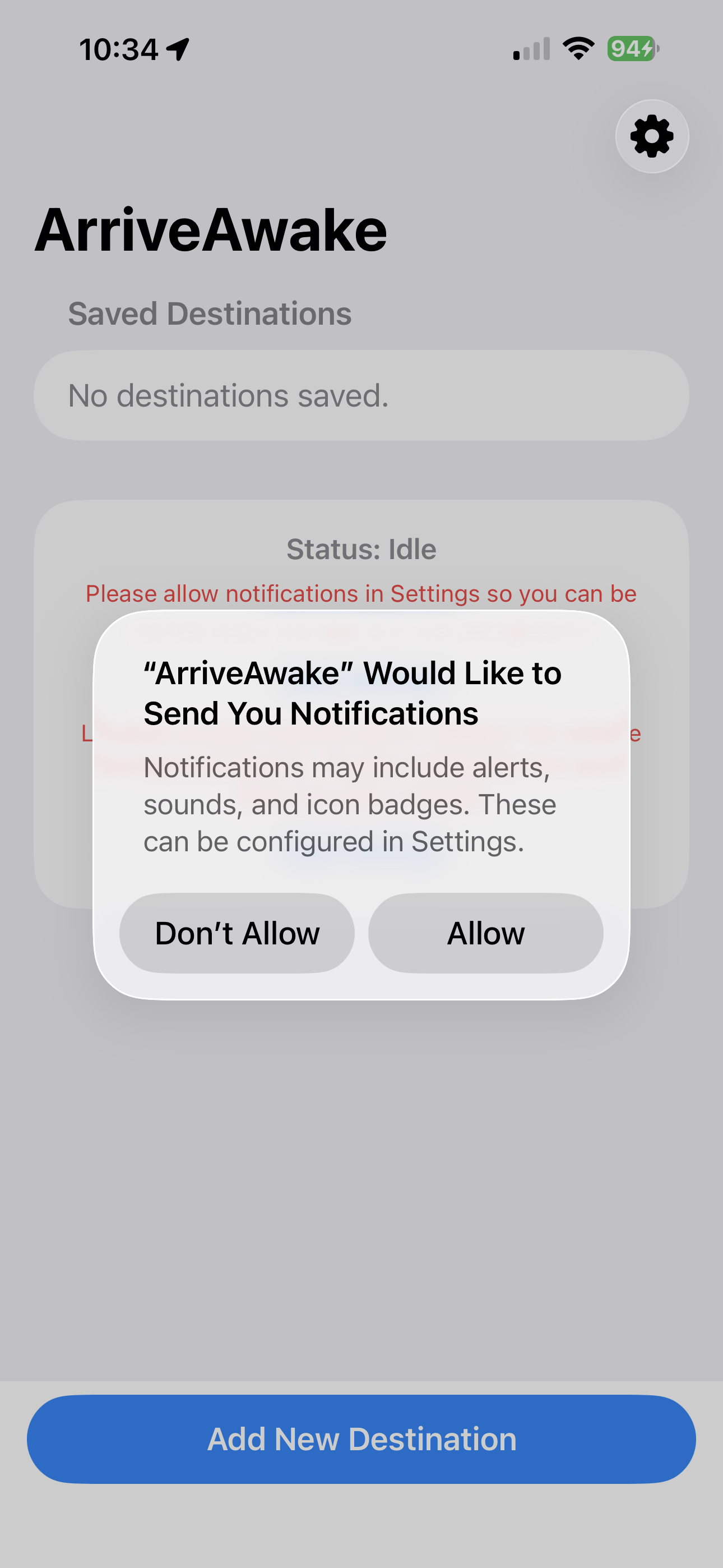
When prompted, allow notifications. This ensures the app can trigger the loud alarm and wake you up even when your screen is locked.
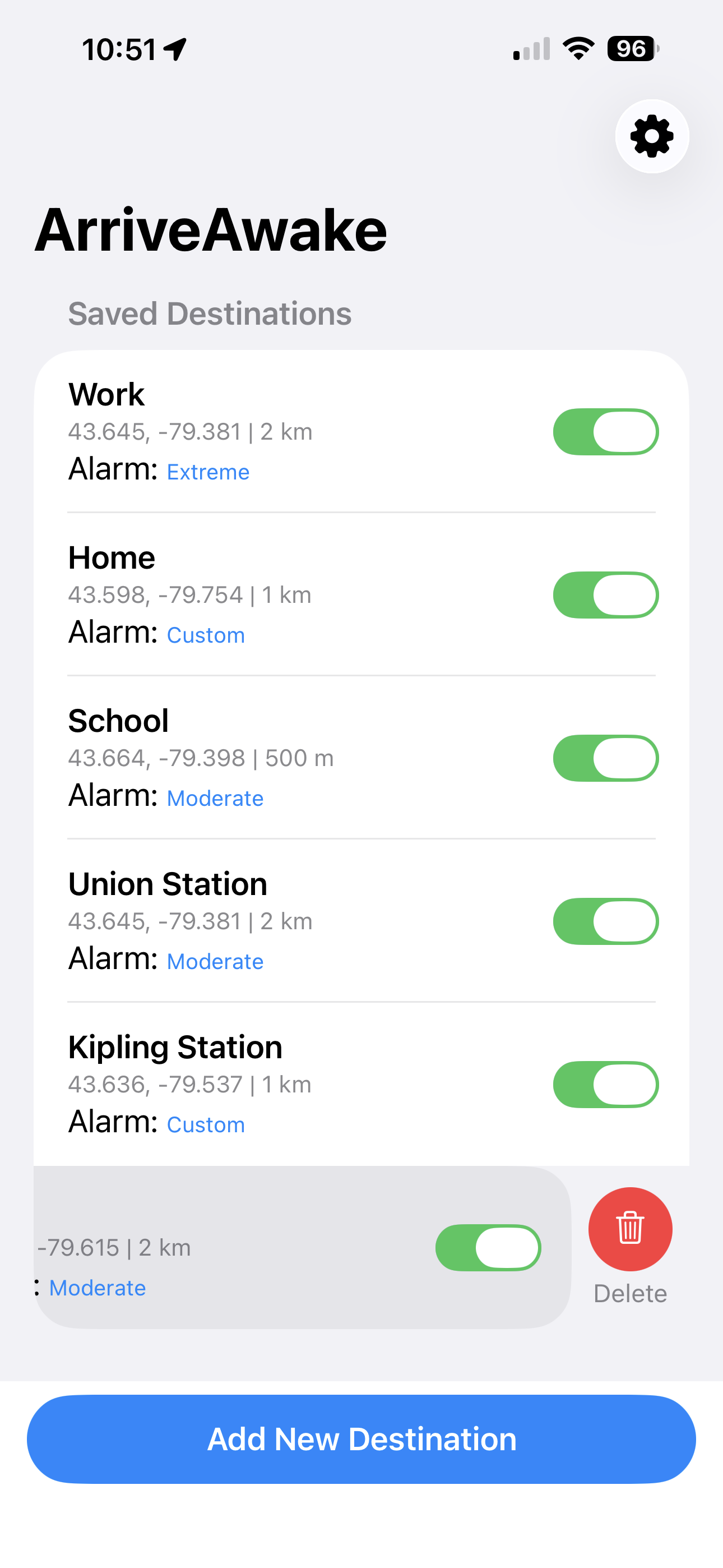
Tap the "+" button and search for your stop. Choose your alert radius and, most importantly, select your **Alarm Aggressiveness** (Normal for daily commutes, Extreme for deep sleepers).
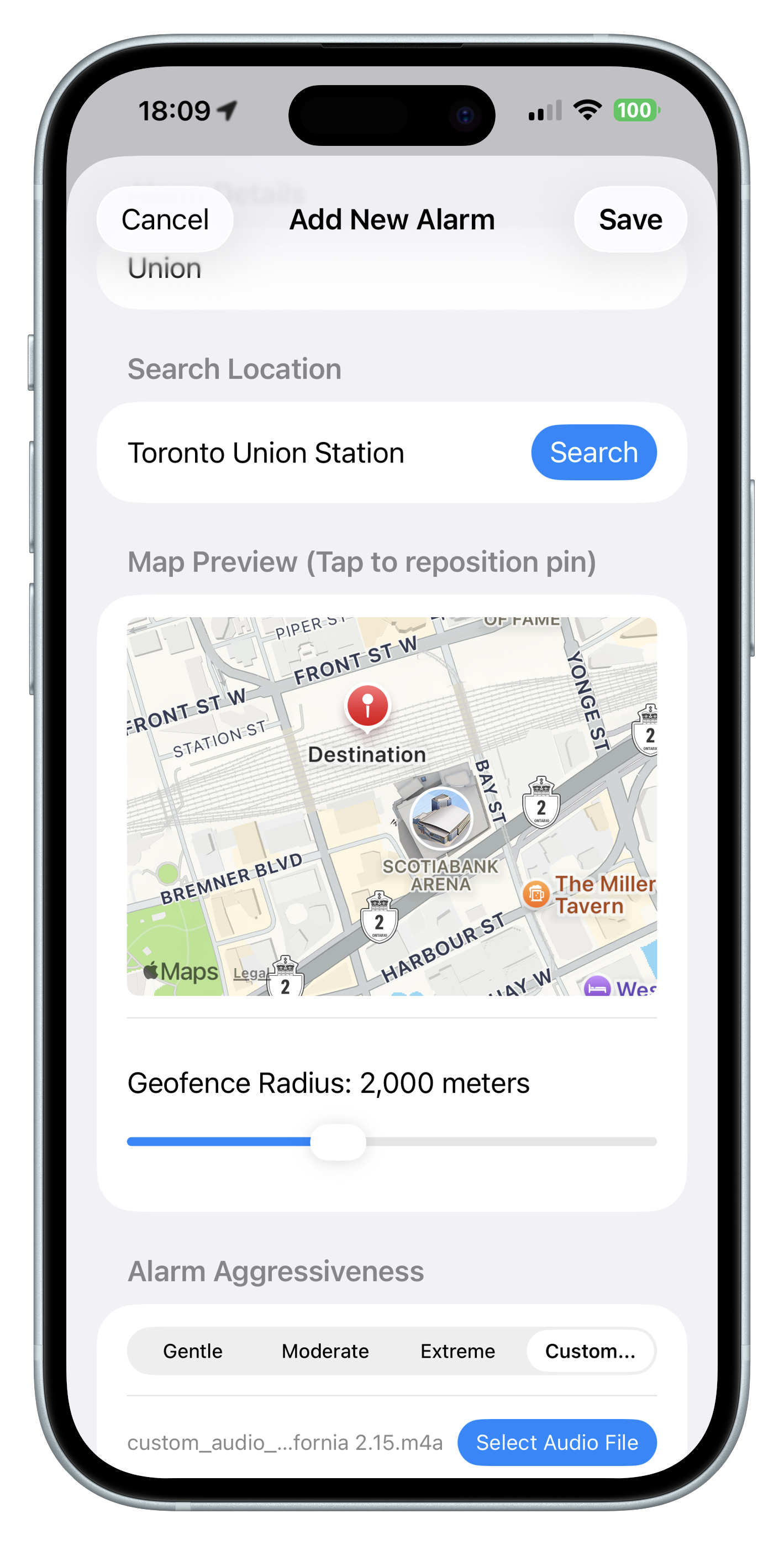
Need to change your radius or alarm sound? Just tap on any saved destination in your list to re-open the configuration panel and make adjustments.
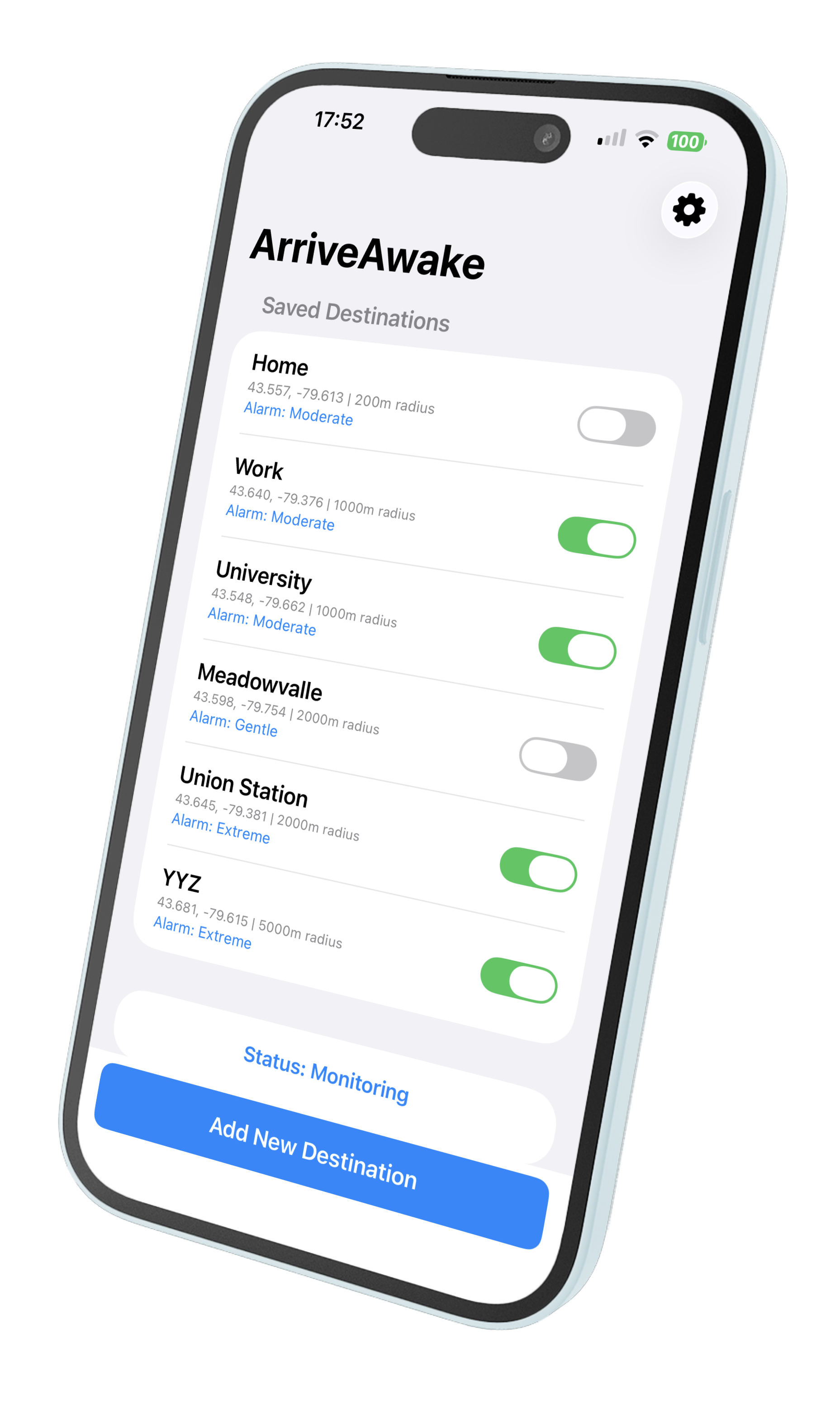
To delete a destination, simply swipe left on the location in your list and tap the "Delete" button. You can also drag and drop to reorder your most frequent stops.